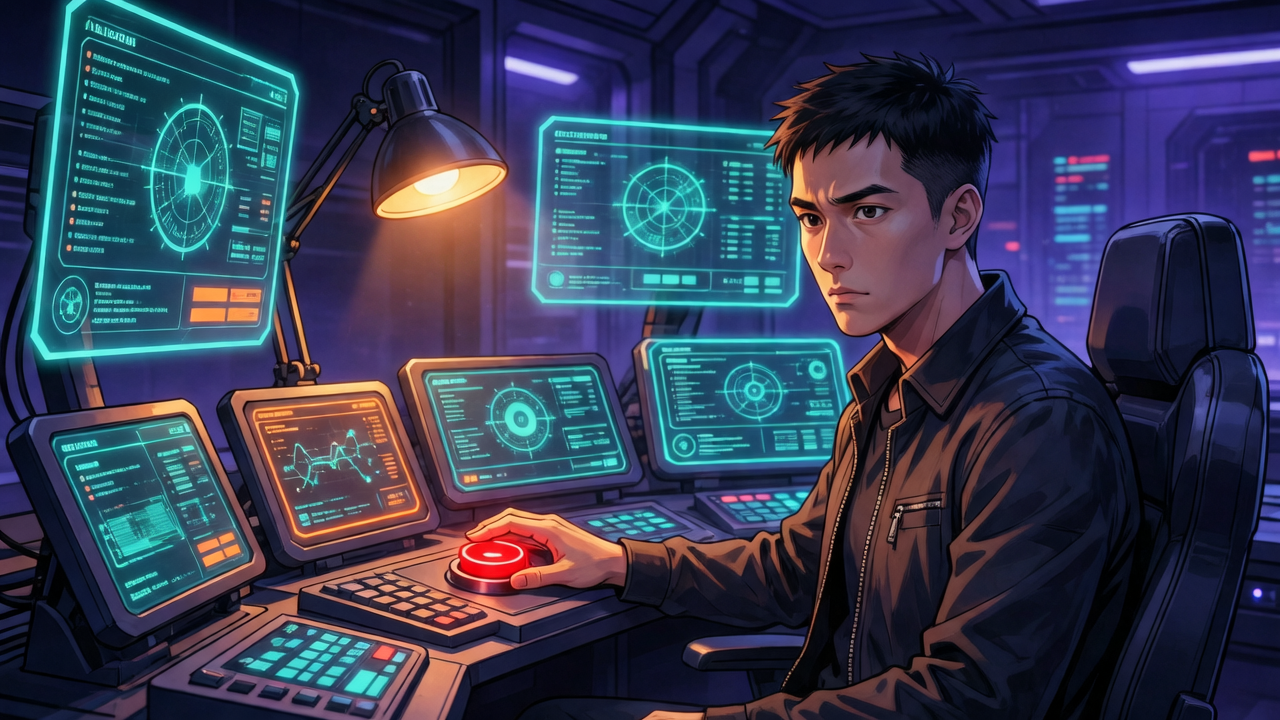
2 AM. The OPC loop (my AI automation pipeline—see S0 ch04 for the architecture) had been running for 21 ticks (execution rounds). Forty-four subagents (AI workers executing in parallel), each doing their job. 103 tests, all passing. Zero TypeScript errors. I opened the browser to check the result—
A pixel-perfect Google Calendar clone.
I typed one sentence: “The main screen should be an agent feed, not a calendar.”
Everything changed. Twenty-one ticks of work—demoted to a /calendar sub-route.
This isn’t a story about AI failing. The AI executed brilliantly—so brilliantly that it spent 23 hours and $92 (Claude Opus, 95% cache hit) sprinting in the wrong direction. This is a story about knowing when to interrupt.
In S0 I described OPC loop architecture (ch04). But it took three projects, $589 in tokens, and 125 hours of loop data before I truly understood: the loop’s biggest risk isn’t execution quality—it’s direction. And the loop is completely blind to direction.
Signal 1: The Loop Won’t Tell You It’s Wrong
The family calendar was my first overnight OPC loop. 23 hours, $92, 44 subagents, 35 git commits. Impressive numbers.
But there was a fundamental problem: OPC loops execute plans. They don’t generate them. The plan was mine. The loop just followed it.
The previous round produced a Google Calendar replica—month view, week view, event popups. Professional-grade. But the moment I saw it, I knew. A family calendar’s core problem isn’t “where do events live?” It’s “why would anyone open this every day?” A calendar you have to actively check is barely better than a paper one on the fridge. The real value is an agent that remembers for you, reminds you, and notifies across channels.
The signal: Perfect output solving the wrong problem. All tests passing, all code clean—but aimed at the wrong target.
Minimum intervention: One sentence. “Main screen should be agent feed.” No spec needed. No prototype. One sentence was enough.
Here’s the counterintuitive part: the more efficient the loop, the more expensive a wrong direction becomes. If the loop crawled, you’d have time to notice. But when 44 subagents sprint simultaneously, you blink and they’ve committed 21 ticks to a dead end.
But this also reveals a hidden cost: you don’t know when the loop will drift, so you have to stay alert. “One sentence fixed it” sounds effortless—but discovering that moment required me to check a browser at 2 AM. Autonomous doesn’t mean unattended.
Signal 2: Context Blows Up, But the System Degrades Gracefully
The Pi-Math project ran a longer loop. 47 hours, 40 ticks, 76 subagents, $347. Three context blowouts (conversation window overflows) along the way.
A context blowout happens when Claude’s conversation window fills up. 130 chunks, 1,189 messages, 37M input tokens—no more room. Automatic compaction kicks in, and the conversation history gets compressed. Details vanish: what code was written, why decisions were made, which tests already failed.
It’s like swapping in a new engineer who can read the codebase but knows nothing about the project’s history.
The signal: The loop shifts from purposeful progress to repeating previously failed approaches.
A key design saved it: loop-state.json and plan.md are the persistent ground truth. Each new tick doesn’t depend on conversation history—it re-reads these two files, knows what to do, knows how to verify. This isn’t “self-healing”—it’s more accurately degraded mode: details are lost but the skeleton survives.
Minimum intervention: Usually none. But note: that’s because the state files were well-written. If your plan just says “implement user auth,” then after a context blowout the loop is truly flying blind. The quality of your plan file determines whether context blowout is a speed bump or a cliff.
S0 described the plan file as a “contract” (ch04). Now I’d amend that: the plan file is a compaction-proof contract. Its most important reader isn’t you—it’s the future version of the AI that just lost all conversation context.
Signal 3: When the Harness Says No
The 639-test session. 55 hours, $150, 20 ticks all completed. The critical intervention happened at tick 16.
Tick 16 was a review round. The harness (a mechanical quality checkpoint—what S0 calls a “Mechanical Gate”) required at least 2 evaluation files, each with severity markers. The AI submitted 1 file, no markers. Harness rejected it instantly.
This wasn’t the AI being lazy—it was the natural quality decline after 55 hours of continuous operation. But the harness doesn’t care about excuses. Non-compliant gets bounced.
The signal: Harness rejection. When you see a reject in the log, you know the AI is satisficing (submitting “good enough” instead of meeting protocol).
Minimum intervention: Check the rejection reason—usually you don’t need to act. The AI gets bounced and redoes it. But this exposed a pattern: AI output quality isn’t constant. It degrades over long sessions.
Signal 4: Environment Breaks, Human Cuts Scope
From that same 639-test session, two more interventions worth recording.
First: a flaky test. test_billing_defaults.py passed solo, failed randomly in batch runs. Root cause: importlib.reload polluting global import state. The AI wanted to defer it as low priority. I called it P0—flaky tests crack the foundation of trust. Even one. Fixed in a dedicated commit (891afe27).
Second: scope control. All L2 integration tests crashed during collection—pydantic version incompatibility. The AI wanted to fix the dependency. I said: skip L2, focus on L1 and L3. Fixing dependency versions was outside the test coverage sprint’s scope. Not avoidance—scope management.
There was also a rate limit: GitHub Enterprise token quota got exhausted after 55 hours of intensive API calls. 429 errors everywhere. The fix? Wait. No workaround.
The signal: Environment problems (dependency conflicts, rate limits, external services down) causing the loop to stall.
Minimum intervention: A scope decision. “P0, fix it now.” Or “Skip it, out of scope.” Or “Wait.” The human’s value isn’t technical skill—it’s the judgment of what matters now versus what can wait.
Signal 5: The Loop Won’t Stop Itself
The Pi-Math session had one more lesson. After the pipeline completed, loop-state.json already showed status: pipeline_complete. But the loop didn’t stop—it entered idle polling, waking up every 20 minutes, burning 270M cache_read tokens (~$81) with zero output.
I tried everything to cancel it: CronList returned empty, CronDelete had no job ID, every cancel command failed. In dynamic mode, Claude can’t terminate its own loop.
The only solution: Ctrl+C. Pull the plug manually.
This is an architecture bug, not a “signal”—but it exposed a hard limit of autonomous loops: the current implementation has no graceful shutdown mechanism. $81 of pure waste was tuition.
The signal: Pipeline complete but token consumption doesn’t drop.
Minimum intervention: Pull the plug. But the prerequisite is that you’re there to pull it.
At Least Five Signals
Three projects. 125 hours of autonomous looping. $589 in token costs. At least five patterns emerged:
| Signal | Symptoms | Minimum Intervention | Source |
|---|---|---|---|
| Wrong direction | Perfect output solving the wrong problem | One sentence to reset direction | Family Calendar $92 |
| Context blowout | Loop retrying known-failed approaches | Check loop-state integrity | Pi-Math $347 |
| Protocol rejection | Harness bounces output mechanically | Inspect rejection reason | 639 Tests $150 |
| Environment failure | Rate limits, dependency conflicts | Scope decision: fix, skip, or wait | 639 Tests $150 |
| Loop won’t stop | Pipeline complete but loop keeps polling | Ctrl+C | Pi-Math $347 |
I say “at least” because three projects can’t cover every scenario. There may be signals six, seven, eight—I just haven’t hit them yet. This framework grew from practice, not from theory.
These five signals share one trait: none of them are AI capability problems—at least not yet. Direction judgment, scope management, system termination—these are human work. Some (like signal 5’s graceful shutdown) are clearly tool deficiencies that should be fixed. But others—especially signal 1—may be fundamentally human for a long time.
Don’t overlook the hidden cost: autonomous loops require humans to stay on-call. You don’t know when these signals will fire. “One sentence fixed it” only works if you’re checking the browser at 2 AM. If you’re not, the loop will keep sprinting efficiently in the wrong direction—or burn $81 in tokens polling an empty queue. The promise of “autonomous” is real, but the fine print reads “with a human on standby who knows what to look for.”
EP05 mentioned that “one sentence of feedback made the score jump from 0.487 to 0.68” (that score came from OPC’s internal review agent, on a 0-1 scale—directionally useful but don’t over-interpret the absolute numbers). Now you know why. It wasn’t because the sentence was brilliant. It was because it arrived at exactly the right moment—the instant a direction signal fired.
Silicon Team S1: Can You Trust AI That Writes Code? ← S1E09: Make Bad Outcomes Smaller | S1E11: After the Crash →
Note: S1E09 and earlier episodes use the
opc-s1-slug prefix. From E10 onward, the prefix isst-s1-(Silicon Team). Old links remain unchanged.